IPTV Keeps Disconnecting: Why It Happens and How to Fix It
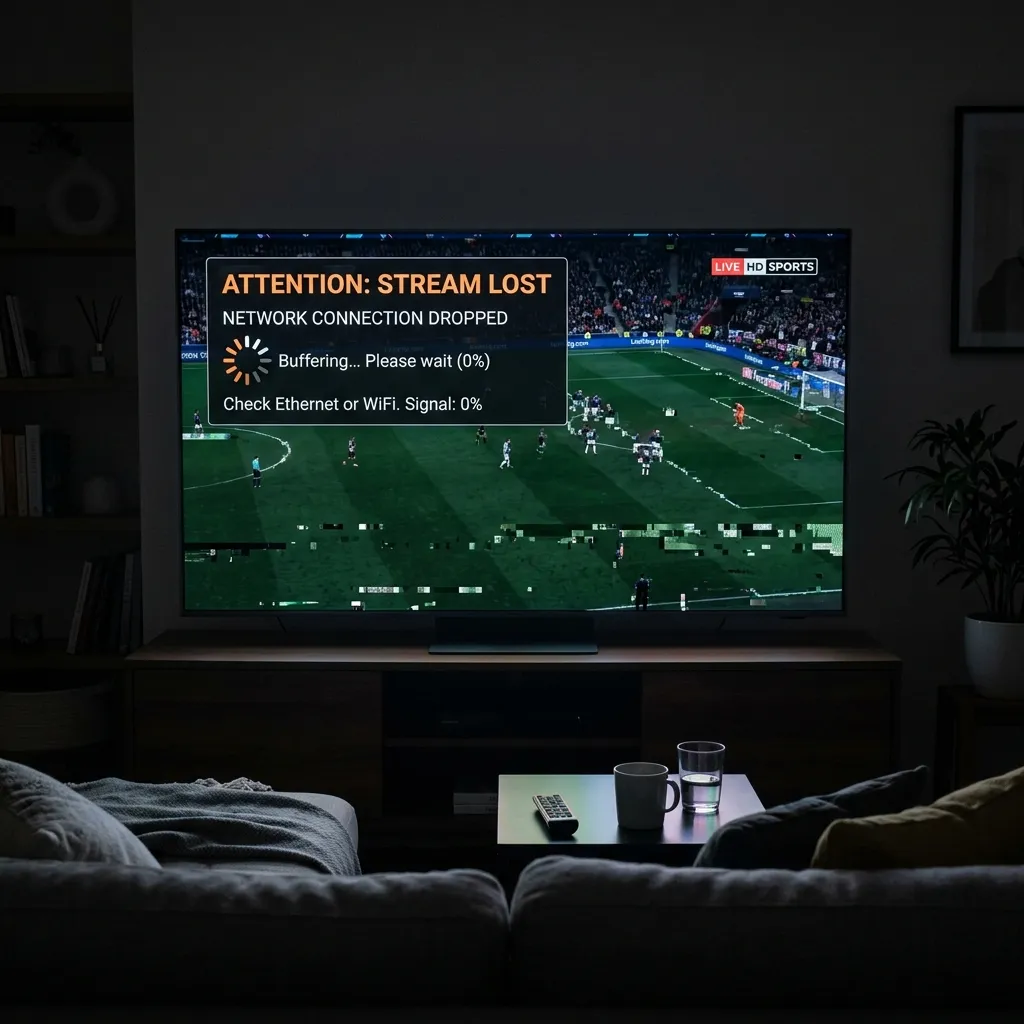
Few things are more frustrating than sitting down to watch a movie, sports event, or TV channel only for your IPTV connection to suddenly disconnect.
If your IPTV keeps disconnecting, the problem is not necessarily your IPTV application or provider. Connection drops can be caused by unstable Wi-Fi, network congestion, device settings, outdated applications, DNS problems, overloaded servers, or insufficient bandwidth.
The good news is that most IPTV connection problems can be identified with a few simple tests.
This guide explains the most common reasons IPTV keeps disconnecting and what you can do to improve connection stability.
IPTV keeps disconnecting on Smart TVWhy Does IPTV Keep Disconnecting?
An IPTV connection can drop for several different reasons.
The most common causes include:
- Unstable Wi-Fi
- Weak wireless signal
- Network congestion
- Insufficient bandwidth
- Router problems
- Outdated IPTV application
- Device performance issues
- Incorrect network settings
- DNS-related problems
- IPTV server instability
- Temporary provider maintenance
- Too many devices using the same connection
The first step is determining whether the problem is coming from your home network, your device, or the IPTV service itself. If you're experiencing a situation where there is no guide but the screen is entirely dark without video, review our article on IPTV Black Screen but Audio Works: Causes and Fixes.
1. Check Your Internet Connection
Start with the simplest possibility: your internet connection.
IPTV requires a stable connection, especially when streaming high-resolution content.
A connection can appear fast during a speed test while still experiencing instability, packet loss, or sudden drops.
Run a speed test on the same device you use for IPTV.
Also test your connection at different times of the day.
If the connection repeatedly drops or becomes unstable, the IPTV disconnections may simply be a symptom of the underlying network problem. If your stream simply buffers without disconnecting, you might be facing an issue discussed in IPTV Channels Not Loading: 10 Things to Check.
2. Switch From Wi-Fi to Ethernet
Wi-Fi is convenient, but it is not always the most stable option for streaming.
Walls, distance from the router, interference from other wireless devices, and crowded Wi-Fi channels can all affect the connection.
If possible, connect your Smart TV, Android TV box, or streaming device directly to your router using an Ethernet cable.
A wired connection can provide:
- More consistent latency
- Fewer wireless interruptions
- Better stability
- More reliable high-resolution streaming
If IPTV works normally over Ethernet but keeps disconnecting over Wi-Fi, you have probably identified the source of the problem.
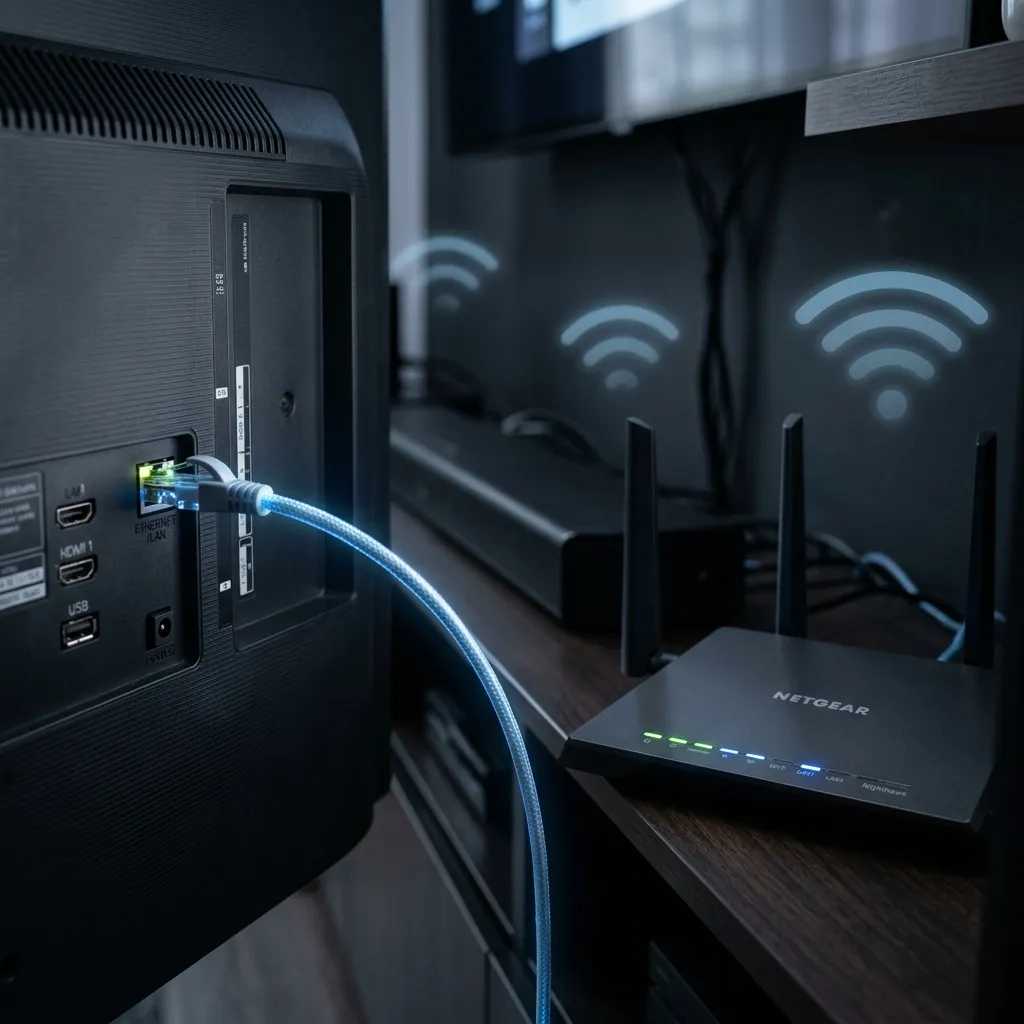 Wi-Fi versus Ethernet connection for IPTV streaming
3. Restart Your Router and Streaming Device
A simple restart can solve temporary network problems.
Turn off your IPTV device and unplug your router.
Wait approximately 30 seconds before powering the router back on.
Allow it to reconnect completely before starting the IPTV application again.
This can clear temporary connection problems and refresh the network connection between your device and the internet.
4. Check Whether Other Devices Are Using Too Much Bandwidth
Multiple devices sharing the same internet connection can affect IPTV stability.
For example, someone in your home might be:
- Downloading large files
- Watching several 4K streams
- Playing online games
- Uploading large files
- Using cloud backups
These activities can consume a significant amount of bandwidth.
Try temporarily disconnecting unnecessary devices and test IPTV again.
If the connection becomes stable, network congestion may have been responsible.
5. Test IPTV at Different Times of the Day
Does your IPTV disconnect mostly during the evening?
If so, pay attention to whether the problem happens at approximately the same time every day.
Peak-hour congestion can affect both your local internet connection and external streaming infrastructure.
Keep a simple note of when the disconnections happen.
For example:
- Morning: stable
- Afternoon: stable
- Evening: frequent disconnections
This pattern can help determine whether the issue is related to network congestion rather than your device.
If your IPTV buffering or connection problems happen specifically at night, our guide on IPTV Buffering Only at Night: Why It Happens can provide additional troubleshooting steps.
6. Check Your IPTV Application
An outdated or malfunctioning IPTV application can also cause connection problems.
Check whether your IPTV player has an available update from its official source. If you are also having EPG issues, check out IPTV EPG Not Working: Common Causes and How to Fix It.
If the application is already updated, try:
- Closing the application completely.
- Restarting your device.
- Clearing the application's cache if your device supports it.
- Logging in again.
- Testing the stream.
Avoid installing modified versions of IPTV applications from unknown websites.
Official application sources are generally safer and reduce the risk of compatibility problems. If you want to configure your device correctly, take a look at our Setup Guide.
7. Check Your Device
Sometimes the network is perfectly fine but the streaming device is struggling.
Older Smart TVs, TV boxes, and streaming sticks may have limited memory or processing power.
Signs of a device-related problem include:
- The application freezes before disconnecting.
- Other applications also become slow.
- The device becomes unusually hot.
- Menus respond slowly.
- IPTV works better on another device using the same network.
Test the same IPTV connection on another compatible device.
If it works correctly there, the original device may be the problem. You can find a list of Compatible Devices on our website.
8. Check Your Router
Routers can develop temporary problems, especially when they have been running continuously for long periods.
Check that your router firmware is up to date and that the router is placed somewhere with adequate ventilation.
If your router has been used for many years, its hardware may also be struggling with a modern high-speed network.
You can also try connecting your IPTV device directly to another network to determine whether your router is responsible.
 Home network causing IPTV connection problems
9. Test a Different Network
One of the best troubleshooting methods is to test the IPTV device using another internet connection.
For example, you can temporarily connect the device to a mobile hotspot if the device supports it.
If IPTV works normally on the second network but repeatedly disconnects on your home connection, the problem is likely related to your home network, router, ISP, or DNS configuration.
If it disconnects on both networks, investigate the device, application, or IPTV service instead.
10. Consider DNS Problems
DNS translates domain names into the network addresses used to connect to online services.
In some situations, DNS problems can interfere with access to certain services.
If you suspect a DNS issue, you can test a reputable public DNS service supported by your device or router.
After changing DNS settings, restart the affected device and test the IPTV connection again.
Do not assume DNS is the cause immediately. Use it as one troubleshooting step rather than changing multiple network settings at once.
11. Check Whether the IPTV Server Is Having Problems
If your internet connection is stable and other streaming services work normally, the IPTV server may be experiencing an outage or temporary instability.
Look for these signs:
- IPTV disconnects on multiple devices.
- Other websites and streaming services work normally.
- The problem suddenly started without any changes to your setup.
- Multiple channels stop working at the same time.
- The issue continues across different networks.
In this situation, there may be nothing wrong with your device.
Contact Support and ask whether there is an outage or scheduled maintenance.
 IPTV server connection problem
12. Check Your Subscription Status
An inactive or expired account can sometimes cause connection or authorization problems.
Check your account status through your provider's official customer area or contact their support team.
Make sure your subscription is still active and that the account has not reached a device or connection limit. You can review your Pricing plan if needed.
Do not share your username or password publicly when asking for help.
13. Check How Many Devices Are Streaming
Some IPTV subscriptions limit the number of simultaneous connections.
For example, if an account allows only one active stream and multiple devices are attempting to use it simultaneously, playback may become unreliable or one device may be disconnected.
Check the terms of your subscription and confirm how many simultaneous streams are permitted.
14. Reduce Video Quality for Testing
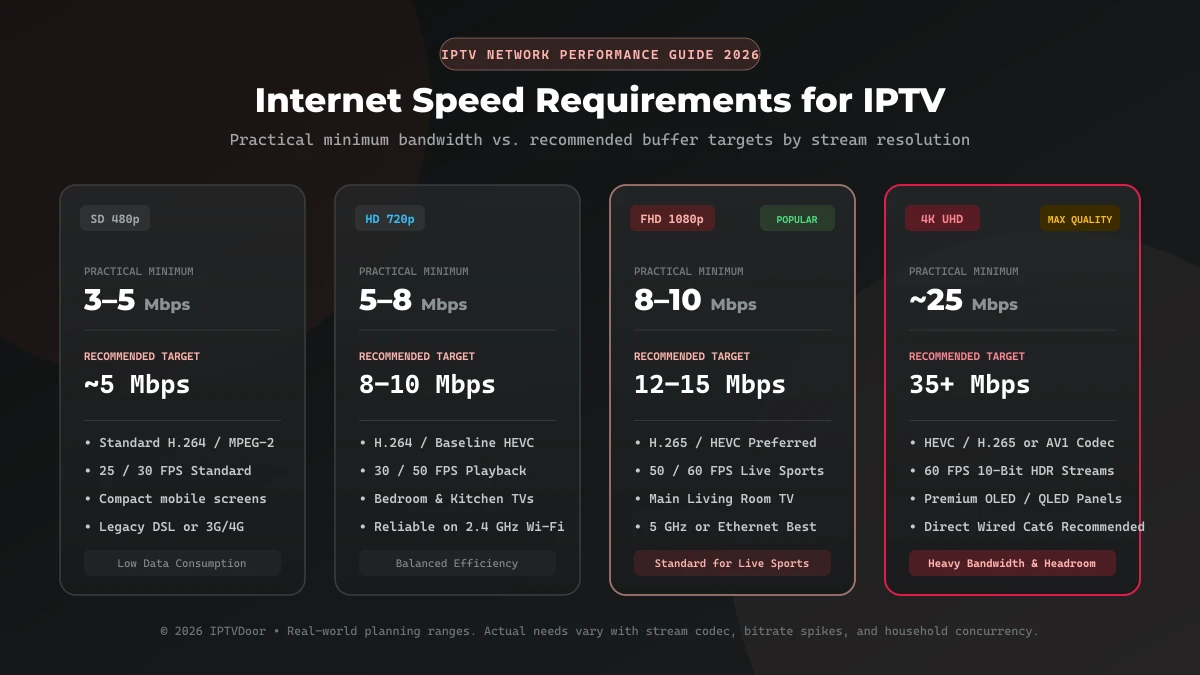
If you are experiencing frequent disconnections with 4K content, temporarily test an HD stream.
This is not necessarily a permanent solution, but it can help identify whether bandwidth or device performance is involved.
If HD remains stable while 4K repeatedly disconnects, investigate:
- Available bandwidth
- Wi-Fi stability
- Device hardware
- Video decoding capability
- Network congestion
Once the underlying issue is fixed, you can test higher-quality streams again. If the channels still won't play properly, check out IPTV Channels Load but Won't Play: What to Check.
IPTV Keeps Disconnecting: Quick Troubleshooting Checklist
Work through these steps in order:
- Test your internet connection.
- Restart your router.
- Restart your streaming device.
- Try Ethernet instead of Wi-Fi.
- Disconnect unnecessary devices from the network.
- Update your IPTV application.
- Clear the application cache.
- Test another compatible device.
- Test another internet connection.
- Check your account status.
- Check your simultaneous connection limit.
- Contact your provider if the server appears unstable.
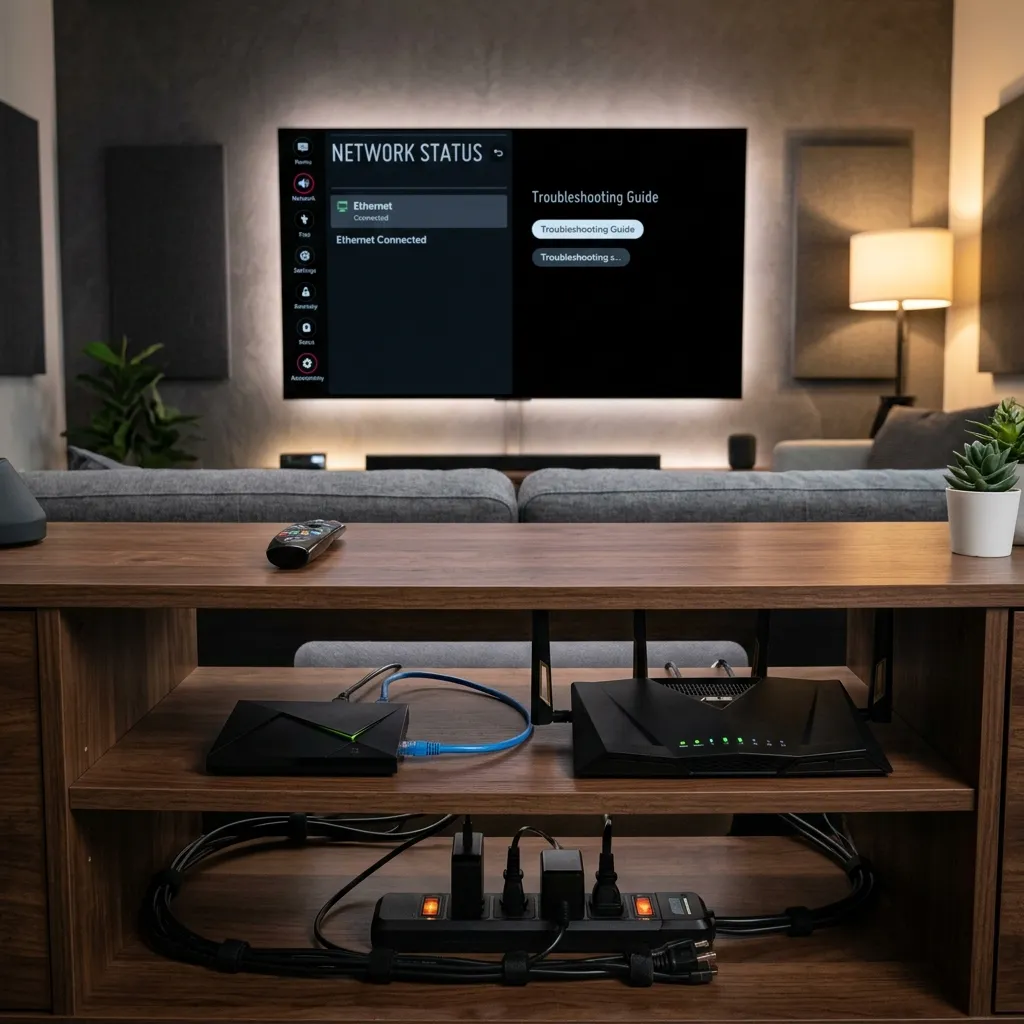 IPTV connection troubleshooting guide
How to Know Where the Problem Is
A simple comparison can help identify the source.
IPTV disconnects on one device only
The problem is likely related to that device or application.
IPTV disconnects on every device
The problem may be related to your network or IPTV service.
IPTV works on mobile data but not home Wi-Fi
Your home network, router, ISP, or DNS configuration may be responsible.
IPTV disconnects only during peak hours
Network congestion or server capacity may be involved.
IPTV disconnects only with 4K streams
Bandwidth, Wi-Fi stability, or device hardware may be the limiting factor.
Frequently Asked Questions
Why does my IPTV keep disconnecting every few minutes?
Frequent disconnections can be caused by unstable Wi-Fi, network congestion, insufficient bandwidth, device limitations, application problems, or an unstable IPTV server. Check our FAQ page for more common questions.
Why does IPTV work on Wi-Fi but not Ethernet?
If IPTV works on Wi-Fi but not Ethernet, check the Ethernet cable, router port, device network settings, and Ethernet adapter.
Why does my IPTV disconnect at night?
Evening disconnections can sometimes be related to peak-hour network congestion or increased demand on streaming infrastructure. Compare performance at different times to identify a pattern.
Can a router cause IPTV to disconnect?
Yes. Router problems, outdated firmware, wireless interference, overheating, or heavy network traffic can affect streaming stability.
Does IPTV need fast internet?
IPTV needs sufficient and, more importantly, stable bandwidth. Higher-resolution streams generally require more bandwidth than standard-definition or HD streams.
How can I tell if my IPTV provider is having an outage?
If your internet works normally but IPTV disconnects across multiple devices and networks, the provider's server or infrastructure may be experiencing an issue. Contact the provider to confirm.
Should I use Wi-Fi or Ethernet for IPTV?
Ethernet is generally preferable when available because it provides a more consistent wired connection and avoids many forms of wireless interference.
Conclusion
When IPTV keeps disconnecting, the problem is not always the IPTV service itself.
Start by checking your internet connection, router, Wi-Fi stability, and streaming device. Then test the application, account, and IPTV server.
The most useful troubleshooting technique is to change one variable at a time. Test another device, another network, or an Ethernet connection instead of changing several settings simultaneously.
Once you identify whether the problem comes from your network, device, application, or provider, the solution becomes much easier to find.